RETRO GAMES™
BlueRetro Wireless Game Controller Converter For PS1 PS2 NGC N64 NES SNES DC SS GEN Games Controller PS2 Adapter Converter Cable
BlueRetro Wireless Game Controller Converter For PS1 PS2 NGC N64 NES SNES DC SS GEN Games Controller PS2 Adapter Converter Cable
Couldn't load pickup availability


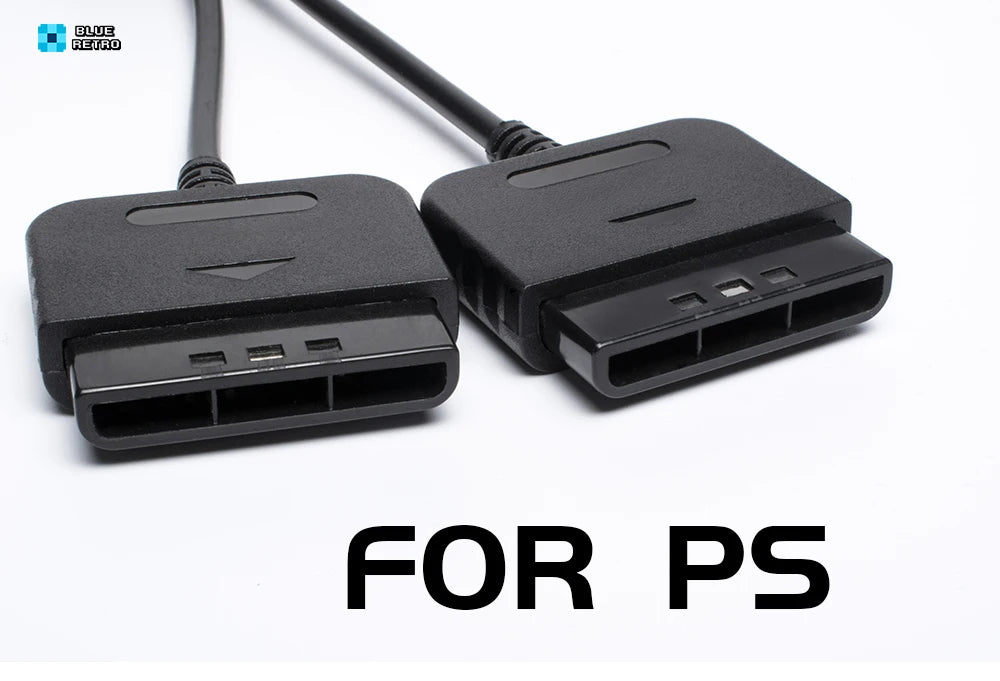
BlueRetro Wireless Game Controller Converter for PS1, PS2, NGC, N64, NES, SNES, Dreamcast, Saturn & Genesis
Experience your favorite retro games like never before with the BlueRetro Wireless Game Controller Converter. Designed for ultimate compatibility, this innovative adapter lets you connect modern wireless controllers to classic consoles—giving you the best of both worlds. Whether you’re revisiting the golden era of PlayStation, reliving Nintendo classics, or diving into Sega favorites, BlueRetro brings next-level convenience and performance to your retro gaming collection.
Universal System Compatibility
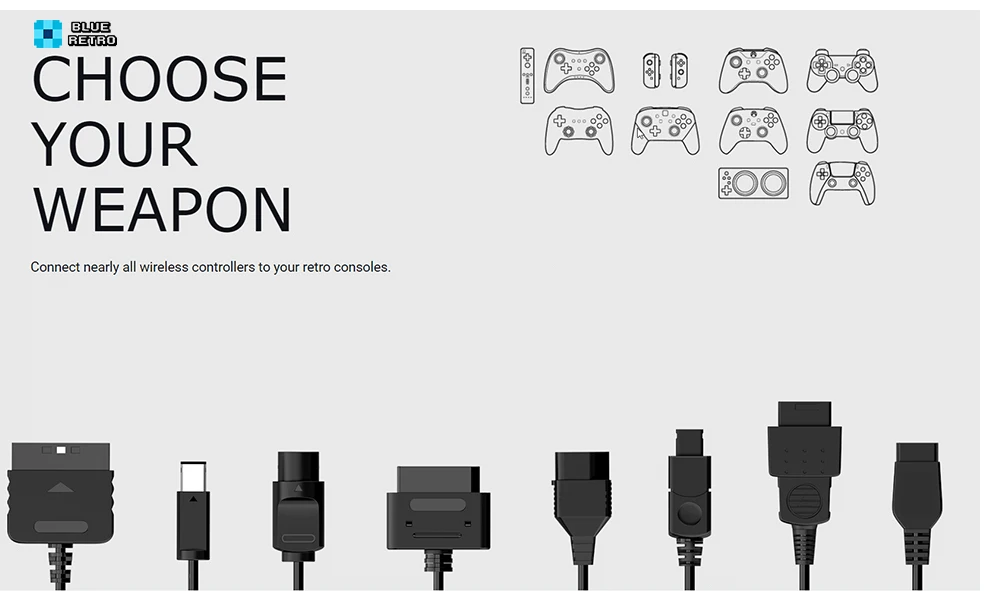
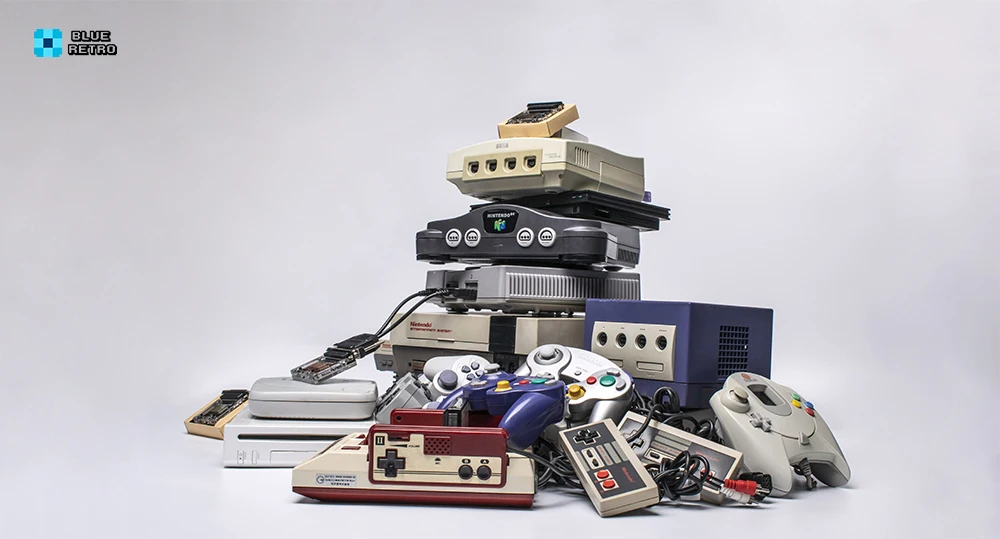
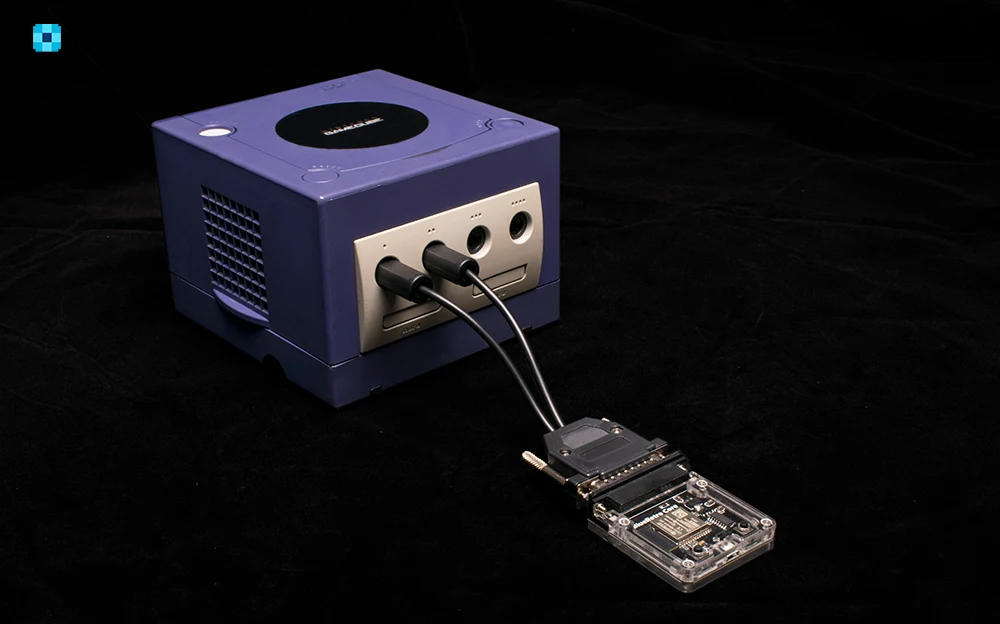
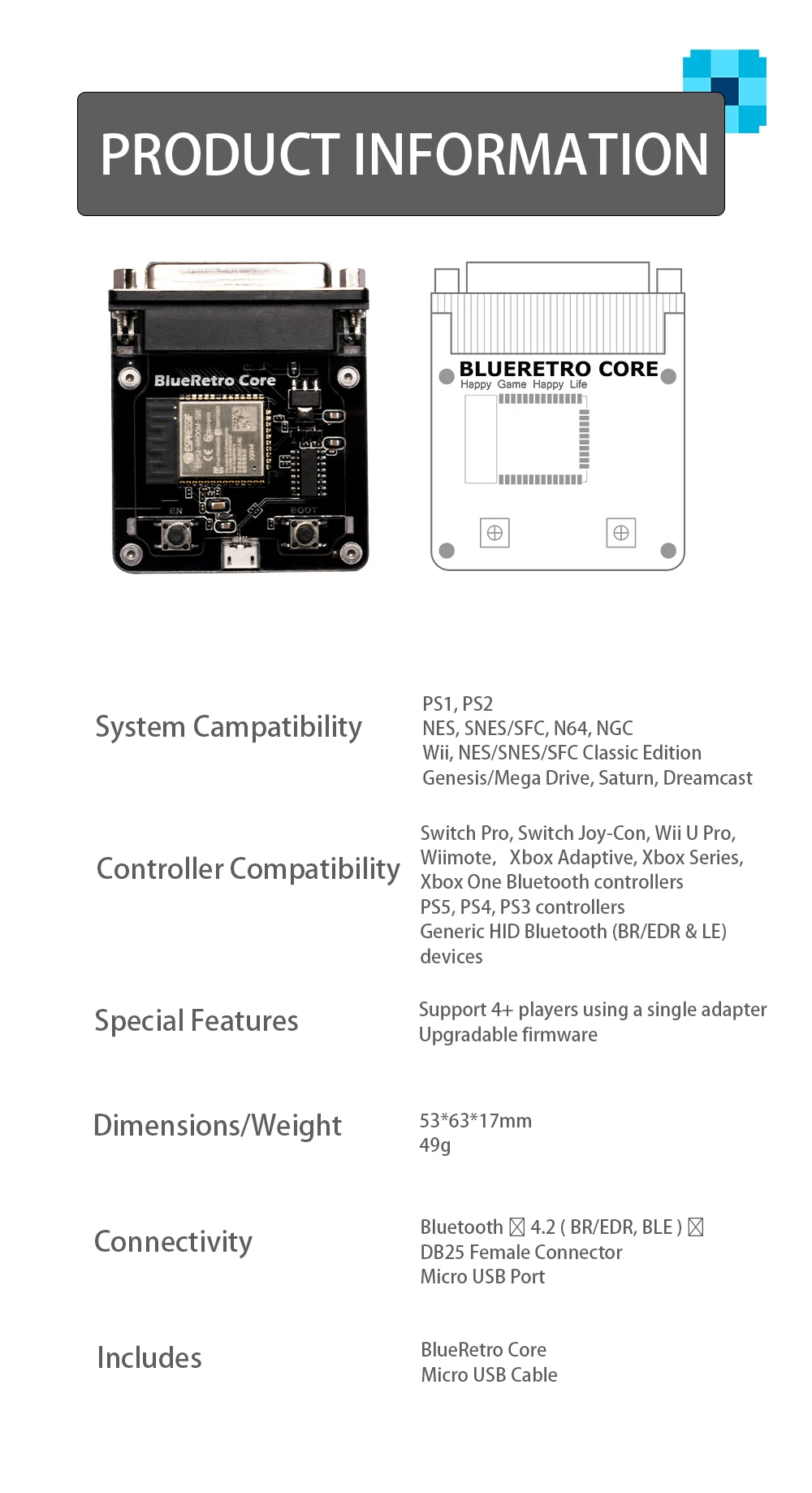
No need for multiple adapters—this single converter supports a wide range of consoles, including:
-
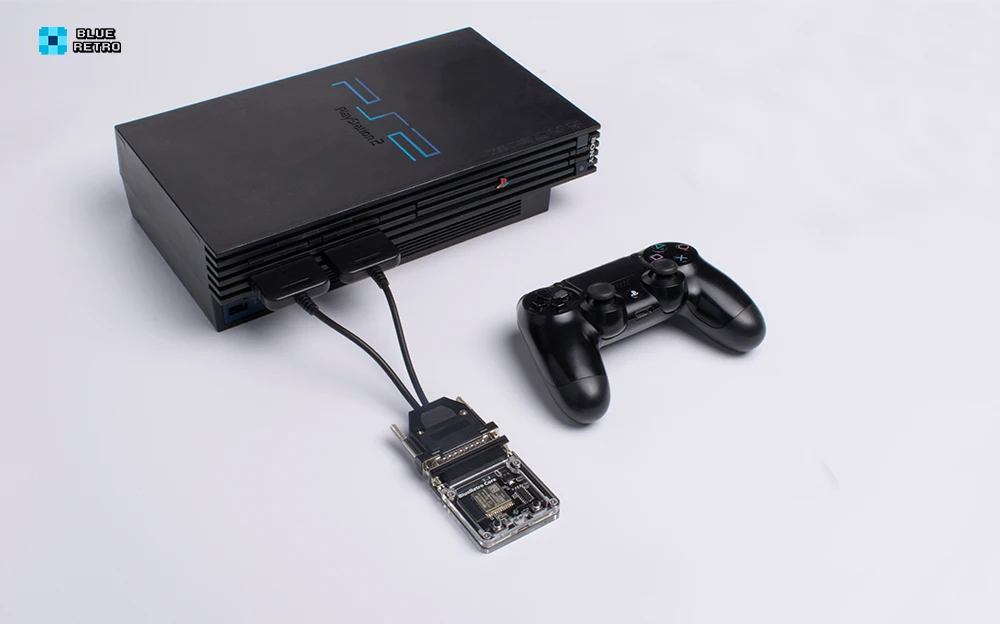
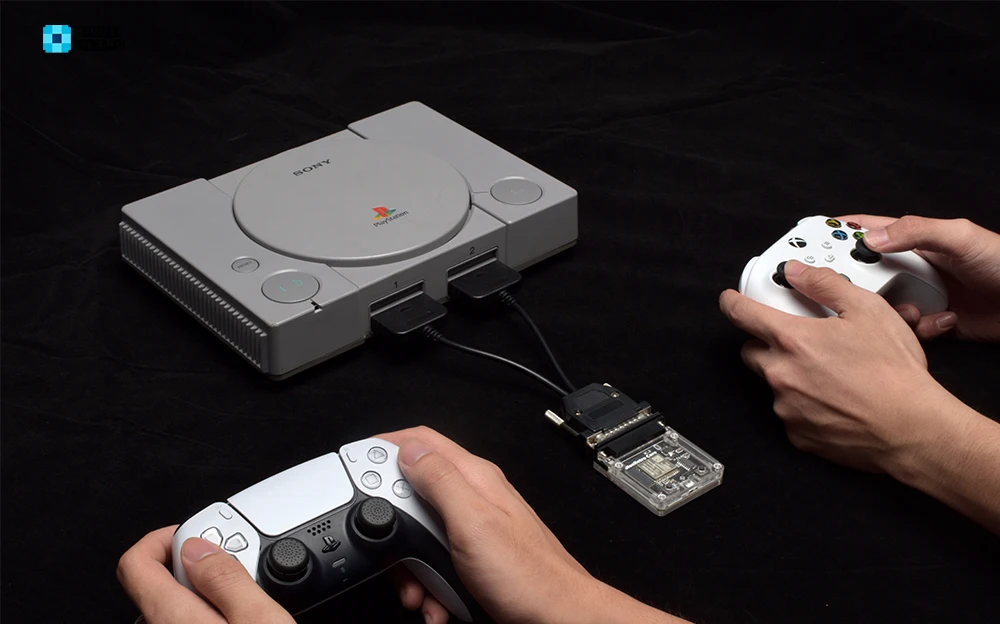
Sony: PlayStation 1 (PS1) & PlayStation 2 (PS2)
-
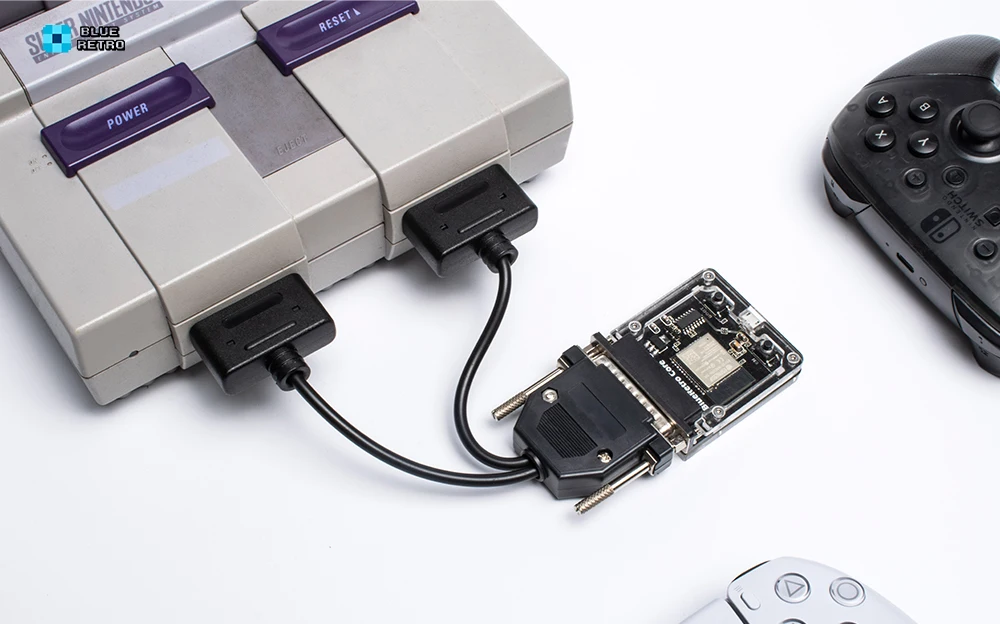
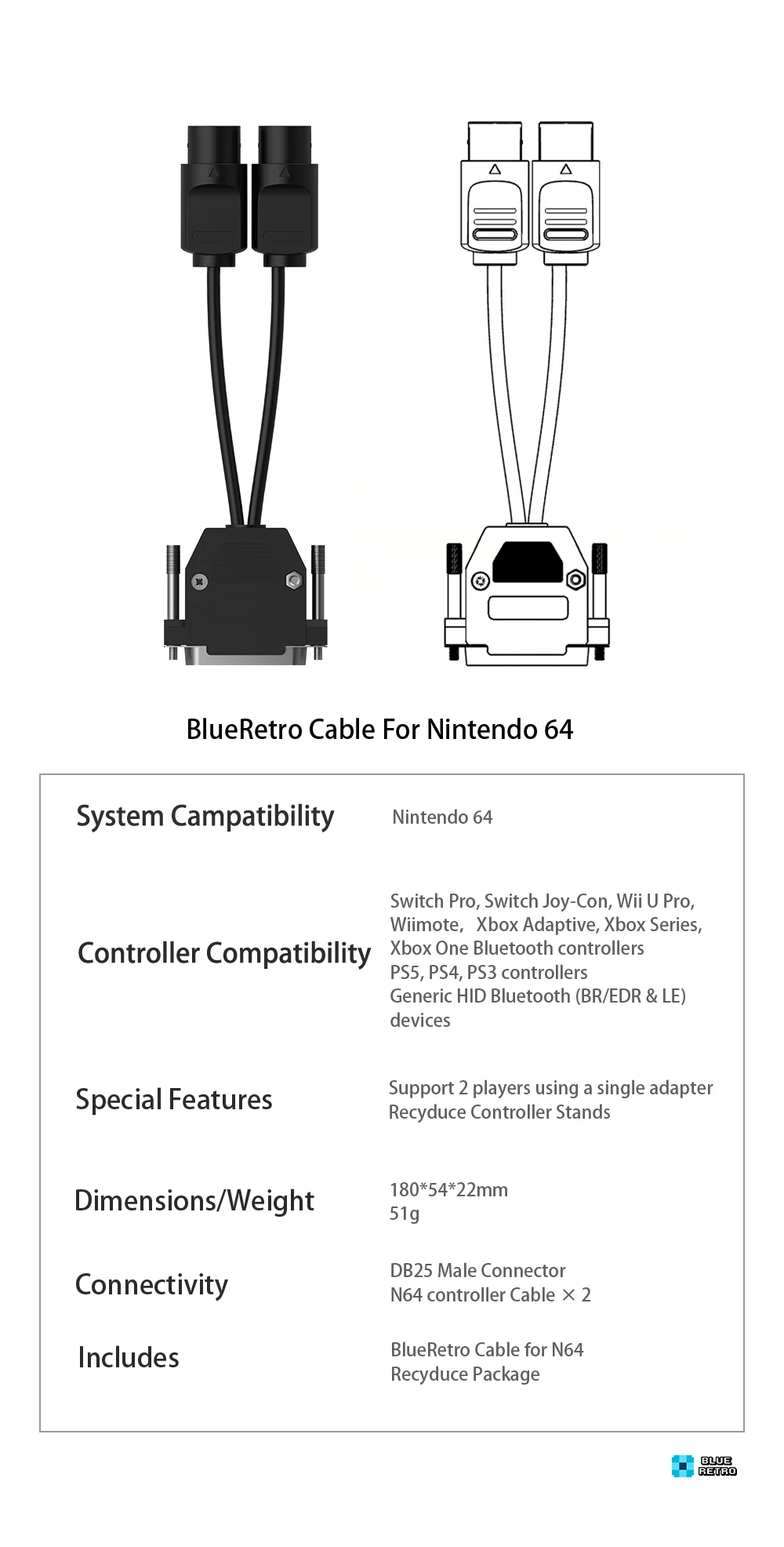
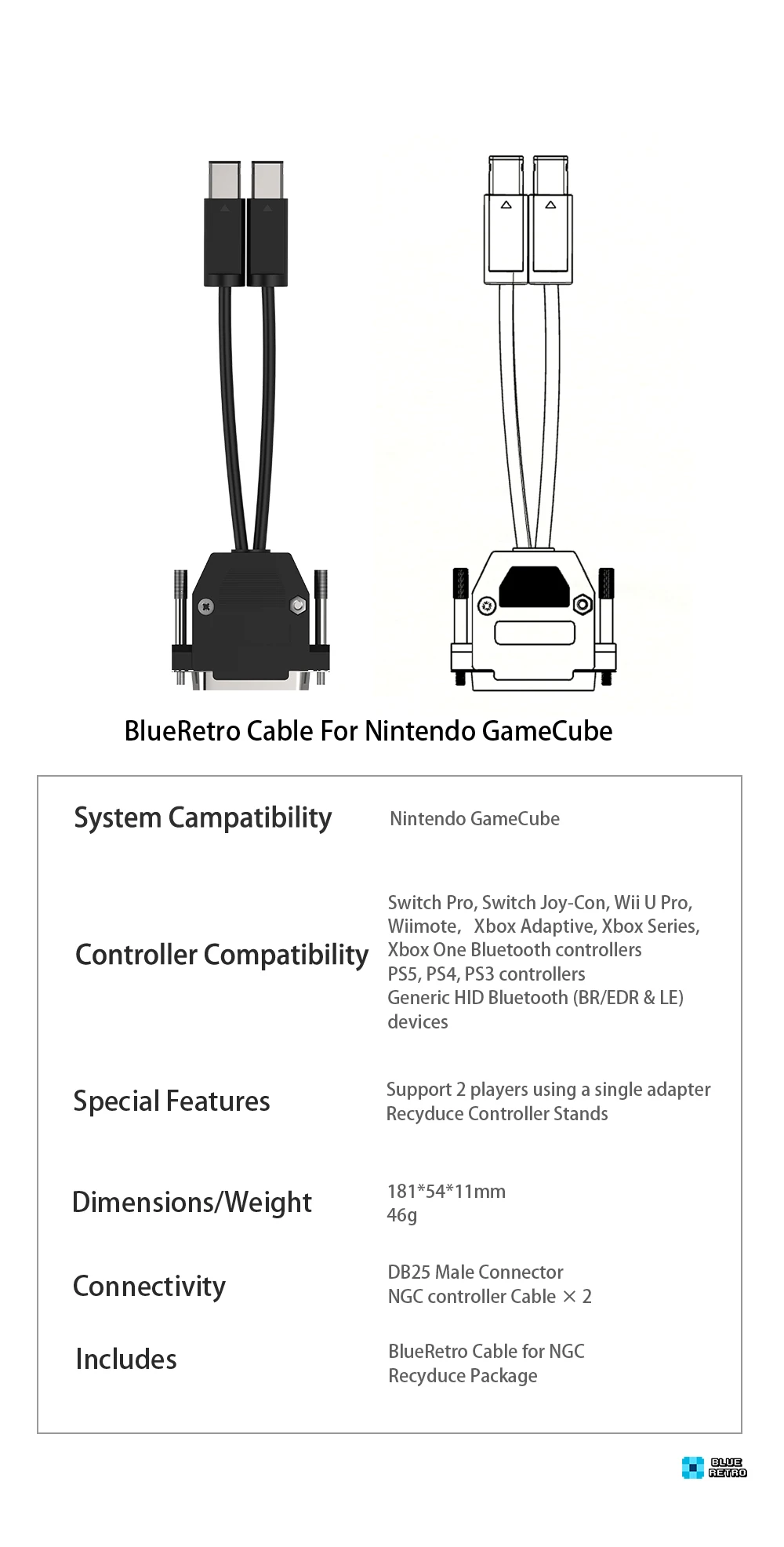
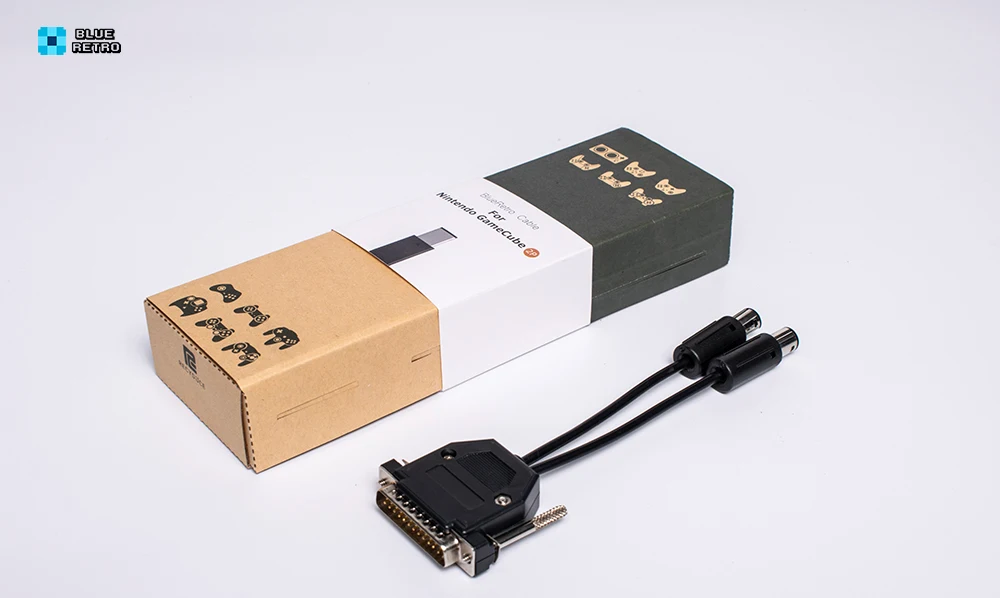
Nintendo: NES, SNES/SFC, N64, GameCube (NGC), Wii, NES/SNES Classic Edition
-
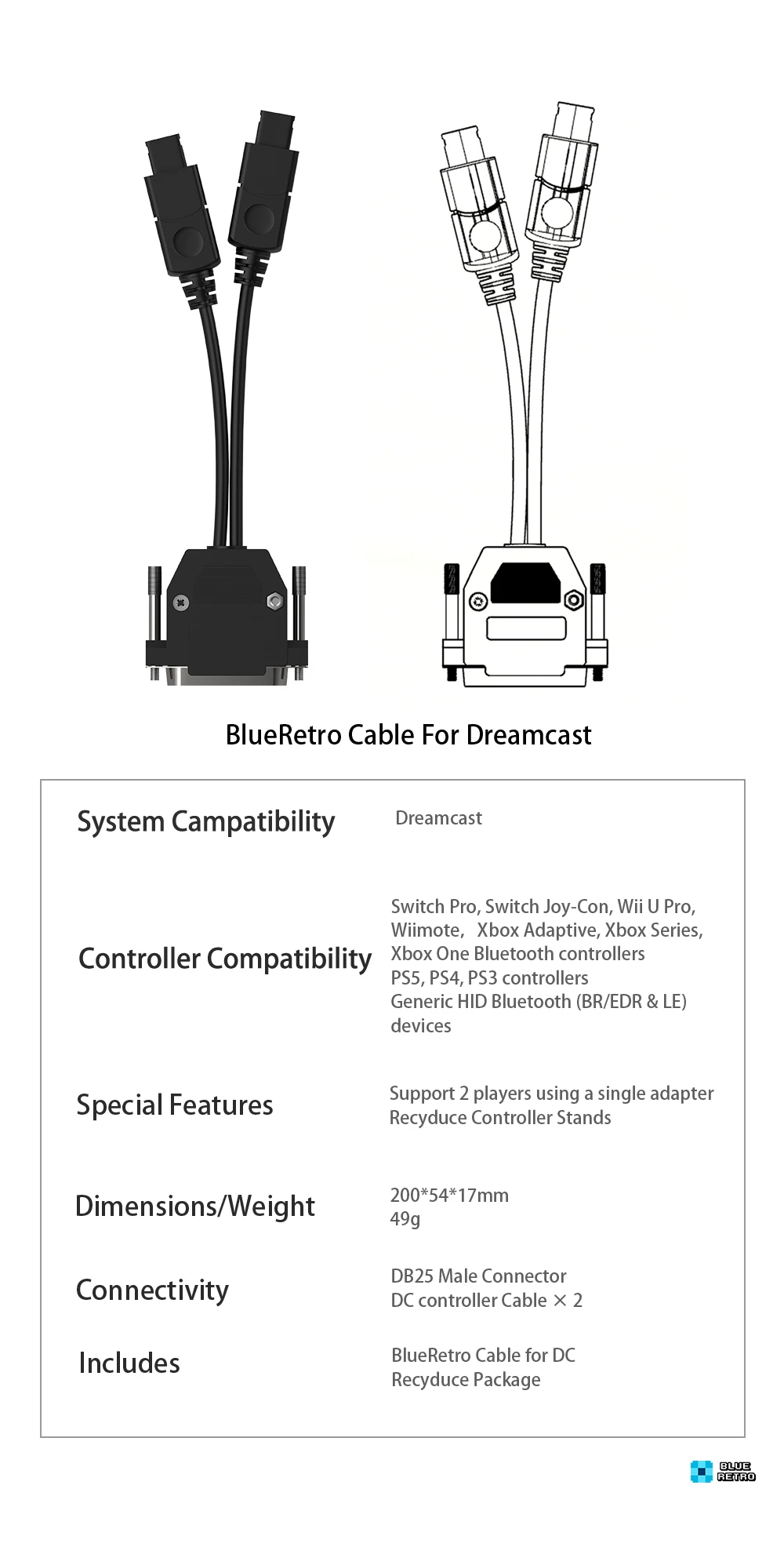
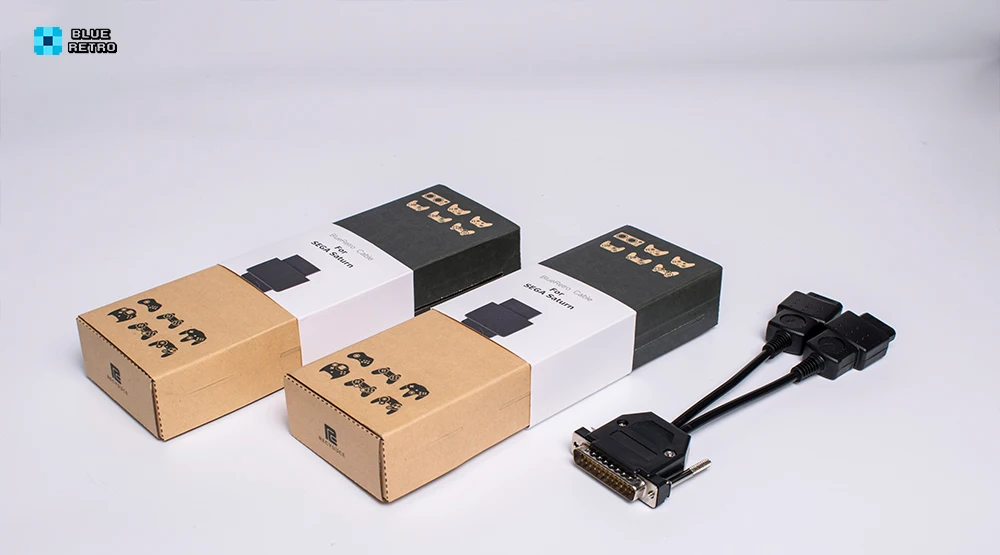
Sega: Genesis/Mega Drive, Saturn, Dreamcast
Wide Controller Support
Play with the controllers you love. The BlueRetro adapter works with:
-
Nintendo: Switch Pro, Joy-Con, Wii U Pro, Wiimote
-
Xbox: Series X/S, One Bluetooth, Adaptive Controller
-
PlayStation: PS5, PS4, PS3
-
Other Devices: Generic HID Bluetooth controllers (BR/EDR & LE)
Key Features & Benefits
-
Wireless Freedom – Eliminate tangled cords and enjoy responsive wireless gameplay.
-
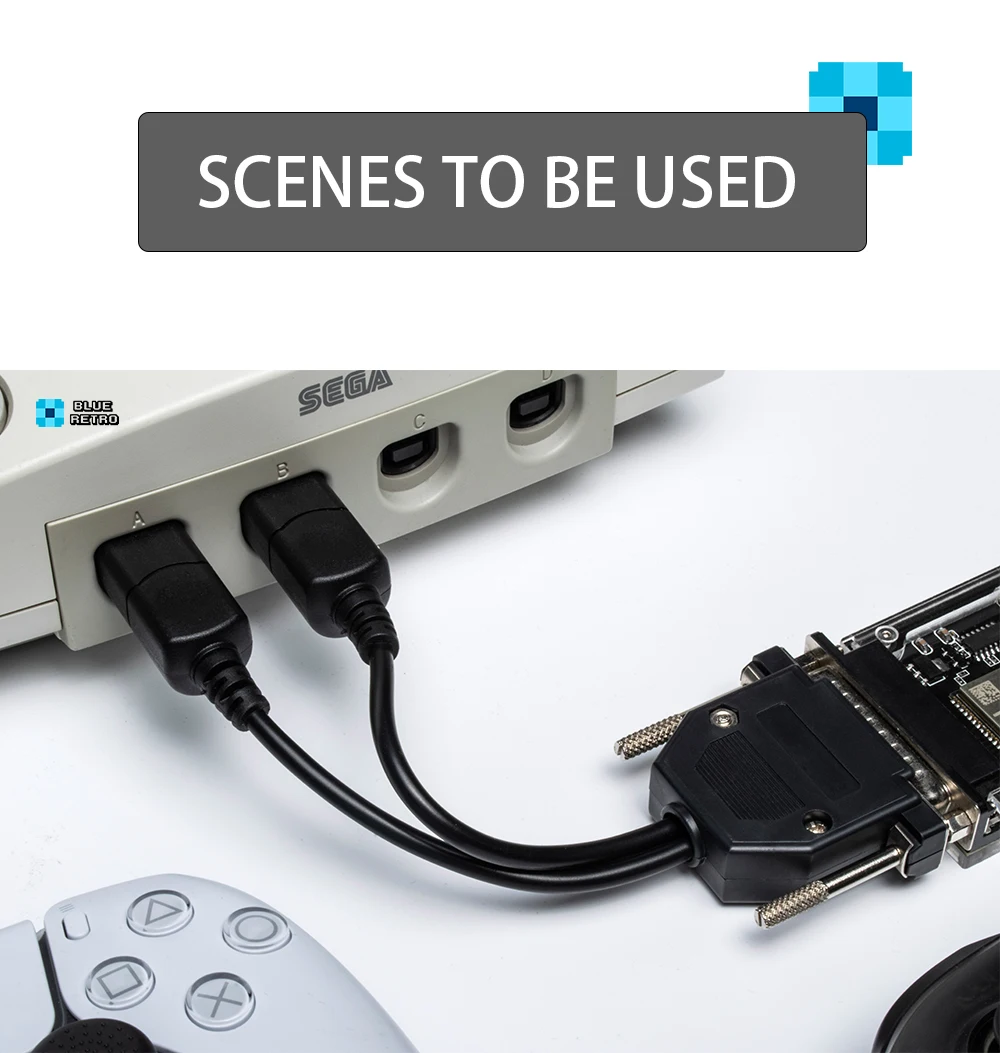
Multi-Controller Support – Connect up to two controllers simultaneously for multiplayer fun.
-
Upgradeable Firmware – Stay future-proof with firmware updates that add compatibility and performance enhancements.
-
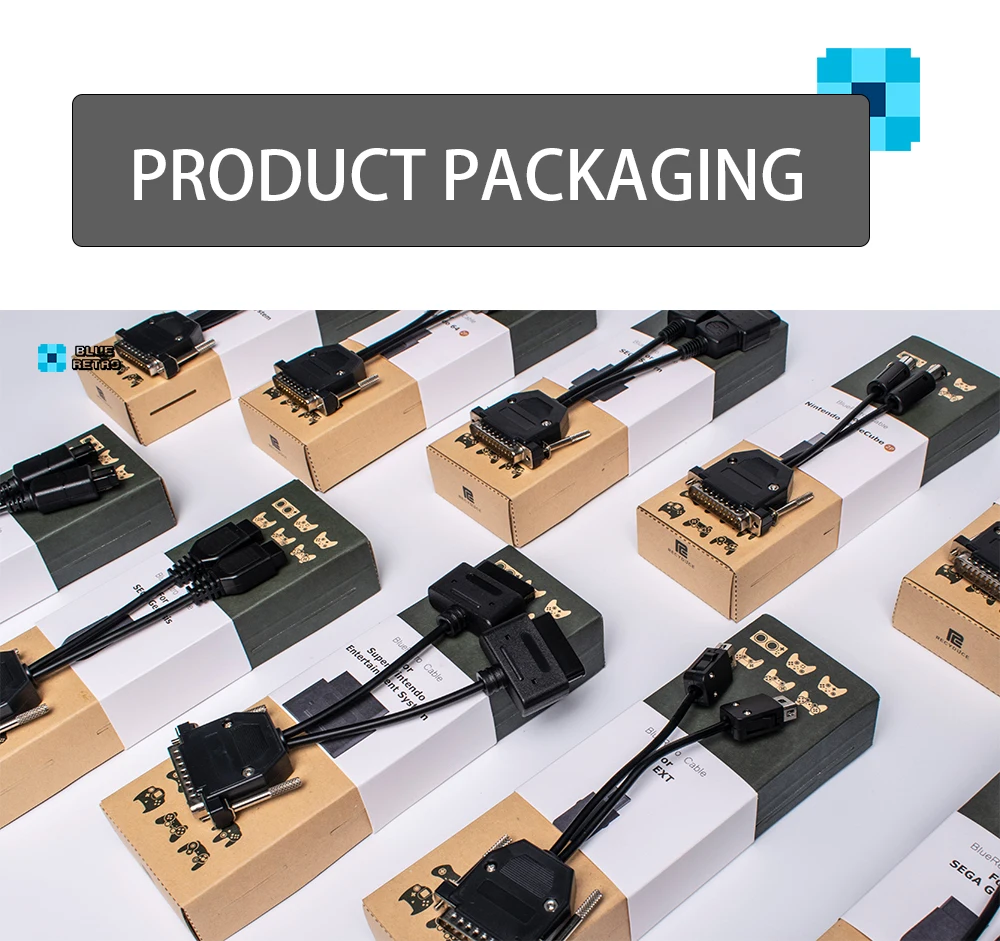
Eco-Friendly Packaging – Unique box design doubles as a controller display stand, promoting recycling and reducing waste.
-
Plug & Play Design – Simple setup ensures you spend less time configuring and more time playing.
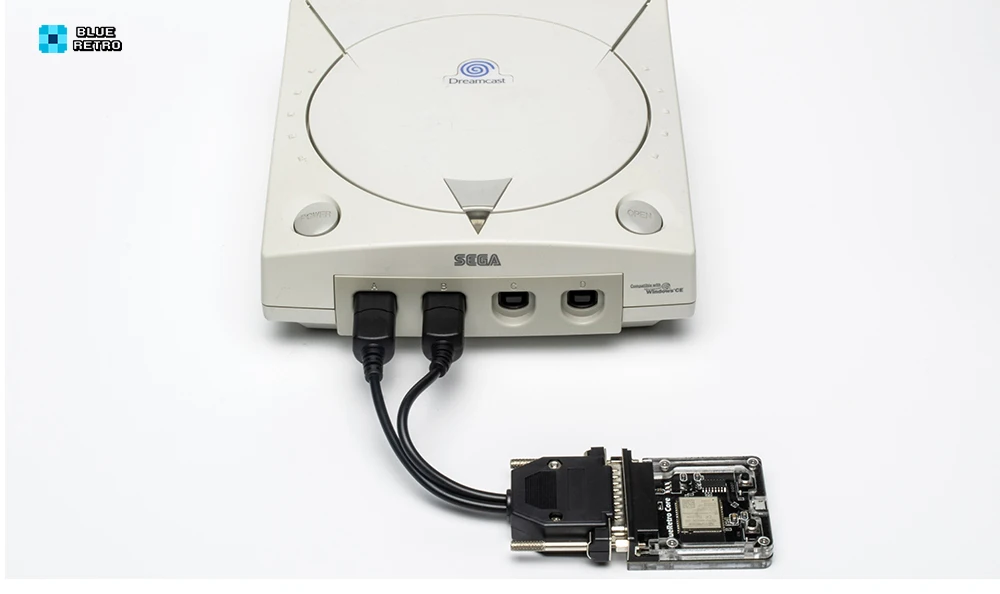
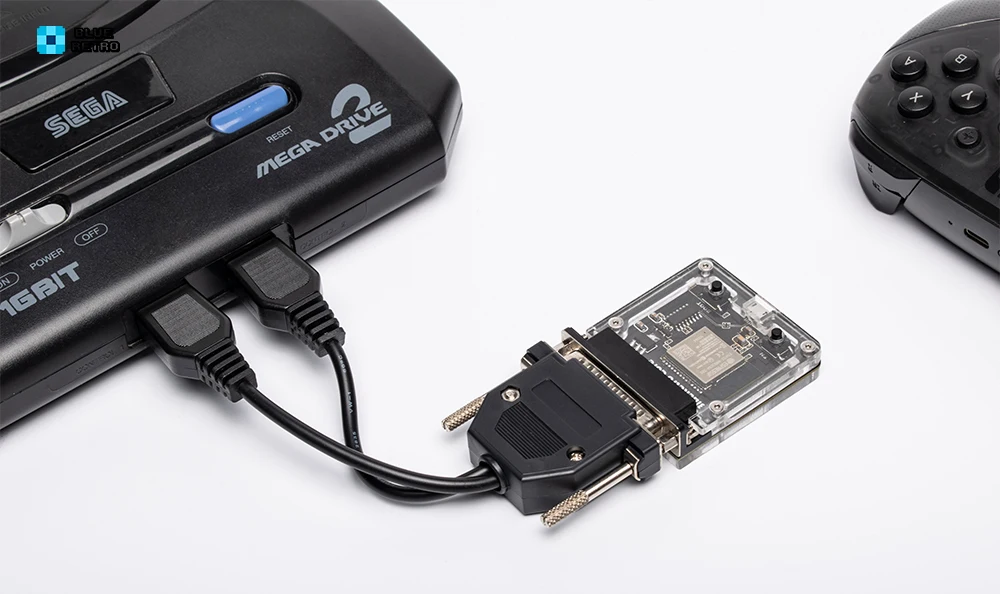
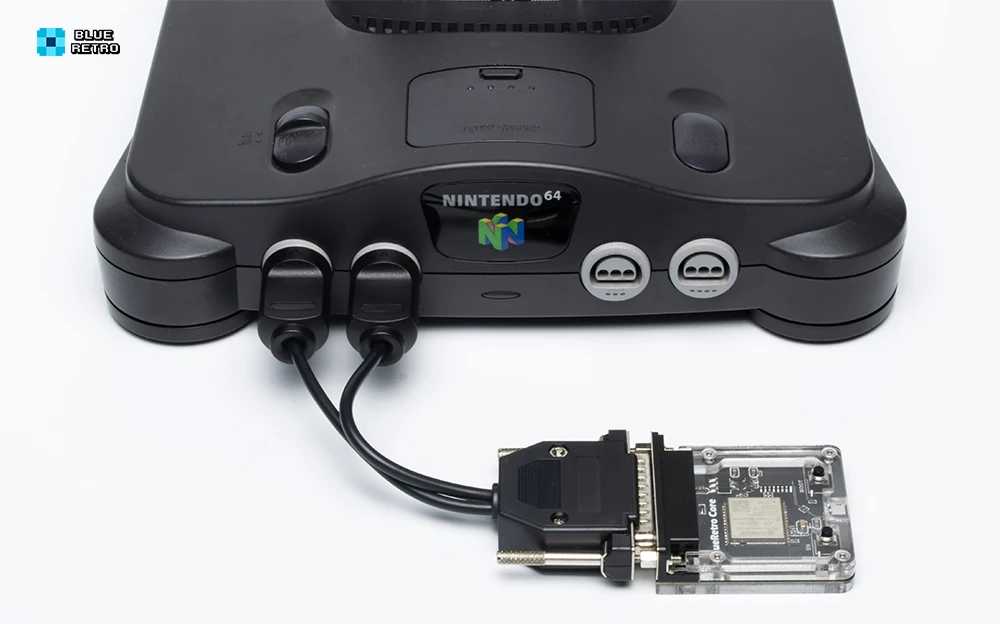
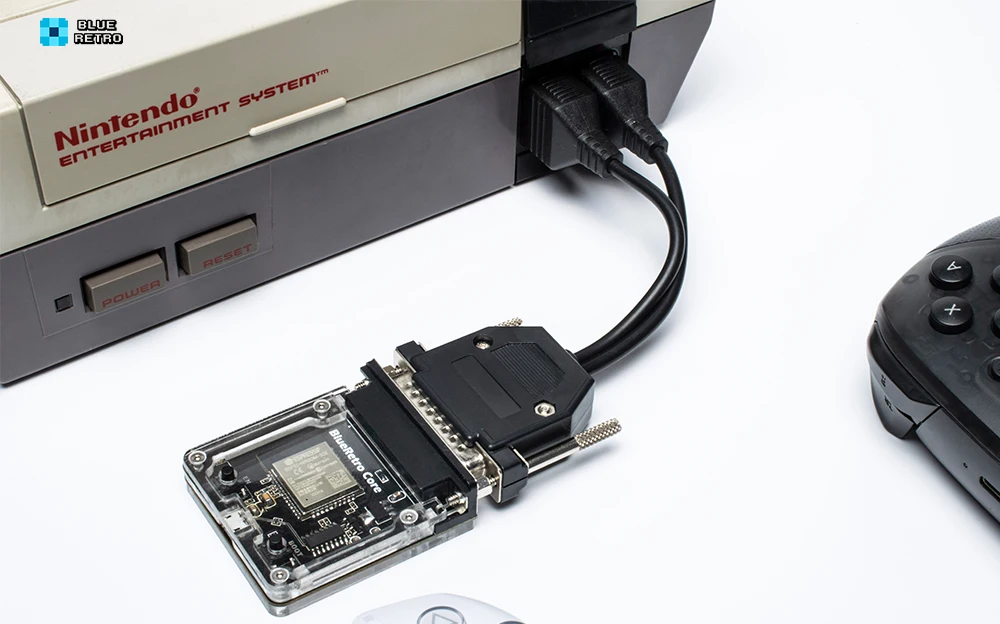


Why Choose BlueRetro?
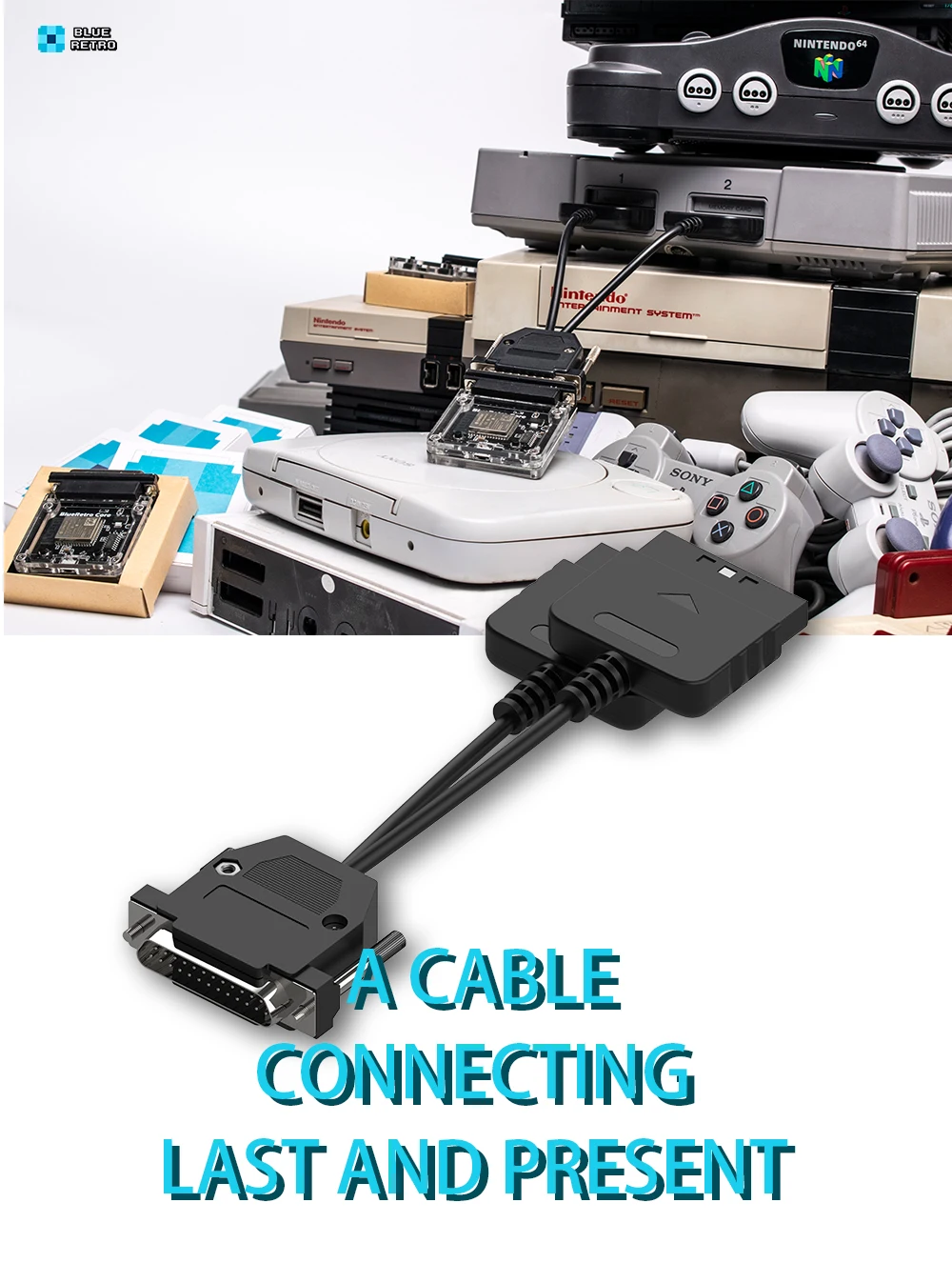
Classic consoles were never designed with wireless play in mind—but BlueRetro changes that. By bridging the gap between vintage hardware and modern controllers, it enhances your gaming experience while preserving the authenticity of retro gameplay. With support for the latest controllers and seamless compatibility across multiple systems, this is the only adapter you’ll ever need for your retro setup.
Easy Setup & Updates
Getting started is quick and easy:
-
Plug in the BlueRetro adapter or cable for your chosen console.
-
Pair your preferred Bluetooth controller.
-
Update the firmware (version 1.73 or higher) if needed to ensure maximum compatibility.
Need help? Visit the official BlueRetro support page for step-by-step guides, or reach out to customer support for assistance.
Order Yours Today
Upgrade your retro gaming with the BlueRetro Wireless Game Controller Converter—the ultimate solution for modern wireless play on classic systems.



Reviews - Why Customers Love RETRO GAMES™
-

Absolutely Perfect for Retro Lovers ⭐ ⭐ ⭐ ⭐ ⭐
Anbernic RG40XXV Retro Handheld Game Console
The screen is crystal clear, and it runs every classic I grew up with flawlessly. Love that it connects easily to my TV for multiplayer fun!
— Ethan M., Austin, TX -

So Addictive and Compact ⭐ ⭐ ⭐ ⭐ ⭐
Miyoo Flip V2 Handheld Console
Feels like my childhood in my pocket! The dual analog sticks make it awesome for newer-style games too.
— Sofia L., Toronto, Canada -

Pocket Powerhouse of Nostalgia ⭐ ⭐ ⭐ ⭐ ⭐
R36MAX Retro Handheld Game Console
This little console packs serious punch — smooth gameplay and tons of classics preloaded. The included carrying case makes it perfect for travel.
— Liam R., Manchester, UK -

Retro Gaming Meets Modern Design ⭐ ⭐ ⭐ ⭐ ⭐
Trimui Smart Pro Handheld Console
The RGB lighting and sleek feel make this console stand out. Runs everything super smooth and looks amazing on the shelf.
— Carlos J., Miami, FL -

Ultimate Plug & Play Retro Setup ⭐ ⭐ ⭐ ⭐ ⭐
Retro Game Console with Dual Wireless Joysticks
Thousands of classics ready to play in seconds, and the wireless controllers make it a blast with friends. Incredible value for what it delivers.
— Ryan D., Los Angeles, CA -

Perfect Way to Organize My Game Collection ⭐ ⭐ ⭐ ⭐ ⭐
Acrylic Magnetic Game Storage Box
The magnetic lid feels premium and keeps my DS cartridges spotless. It’s both functional and looks great on my gaming desk!
— Hannah T., Melbourne, Australia -

Classic Sega Vibes Restored! ⭐ ⭐ ⭐ ⭐ ⭐
Panorama Cotton 16-Bit MD Game Card
Runs flawlessly on my Genesis and brings back that authentic 16-bit magic. The artwork on the cartridge is stunning, too.
— Mika S., Tokyo, Japan -

Brought My Game Boy Pocket Back to Life ⭐ ⭐ ⭐ ⭐ ⭐
New GBP IPS LCD Screen Replacement
Super bright and easy to install — my old Game Boy looks brand new again. Couldn’t believe the color clarity until I saw it!
— Noah P., Berlin, Germany


Best Selling Handheld Retro Consoles
-

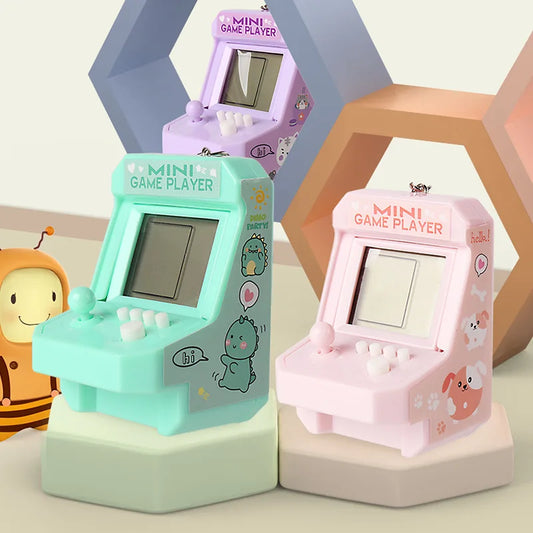
Mini Portable Game Console With Keychain Children Handheld Puzzle Retro Arcade Cute Bag Pendant
Vendor:RETRO GAMES™Regular price From CHF 8.24Regular priceUnit price perCHF 0.00Sale price From CHF 8.24Mini Portable Game Console With Keychain Children Handheld Puzzle Retro Arcade Cute Bag Pendant
Regular price From CHF 8.24Regular priceUnit price perCHF 0.00Sale price From CHF 8.24Mini Portable Game Console With Keychain Children Handheld Puzzle Retro Arcade Cute Bag Pendant
Regular price From CHF 8.24Regular priceUnit price perCHF 0.00Sale price From CHF 8.24Sold out -
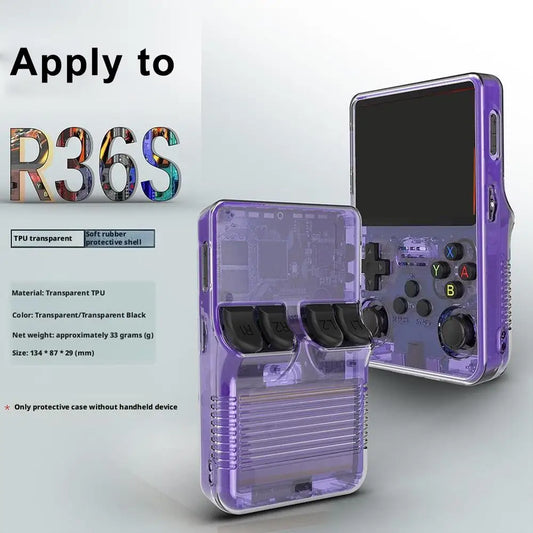
Portable Game Console Protective Case For R36S Silicone Protective Cover AntiScratch Storage Box Washable Silicone Case For R36S
Vendor:RETRO GAMES™Regular price From CHF 12.77Regular priceUnit price perCHF 0.00Sale price From CHF 12.77Portable Game Console Protective Case For R36S Silicone Protective Cover AntiScratch Storage Box Washable Silicone Case For R36S
Regular price From CHF 12.77Regular priceUnit price perCHF 0.00Sale price From CHF 12.77Portable Game Console Protective Case For R36S Silicone Protective Cover AntiScratch Storage Box Washable Silicone Case For R36S
Regular price From CHF 12.77Regular priceUnit price perCHF 0.00Sale price From CHF 12.77Sold out -
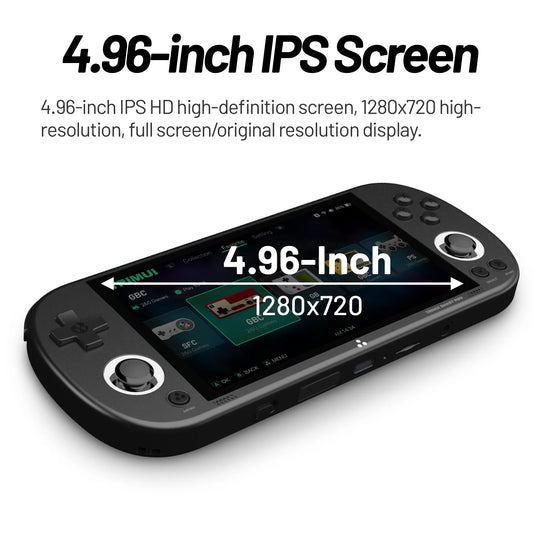
Trimui Smart Pro Handheld Game Console 4.96''IPS Screen Linux System Joystick RGB Lighting Smartpro Retro Video Game Player Gift
Vendor:RETRO GAMES™Regular price From CHF 91.21Regular priceUnit price perCHF 0.00Sale price From CHF 91.21Trimui Smart Pro Handheld Game Console 4.96''IPS Screen Linux System Joystick RGB Lighting Smartpro Retro Video Game Player Gift
Regular price From CHF 91.21Regular priceUnit price perCHF 0.00Sale price From CHF 91.21Trimui Smart Pro Handheld Game Console 4.96''IPS Screen Linux System Joystick RGB Lighting Smartpro Retro Video Game Player Gift
Regular price From CHF 91.21Regular priceUnit price perCHF 0.00Sale price From CHF 91.21Sold out -
Retroid Pocket 5 Handheld Game Console
Vendor:RETRO GAMES™Regular price CHF 375.16Regular priceUnit price perCHF 0.00Sale price CHF 375.16Retroid Pocket 5 Handheld Game Console
Regular price CHF 375.16Regular priceUnit price perCHF 0.00Sale price CHF 375.16Retroid Pocket 5 Handheld Game Console
Regular price CHF 375.16Regular priceUnit price perCHF 0.00Sale price CHF 375.16Sold out